One click. Zero setup.

The video,
distilled.

Clear AI summaries appear directly beside the YouTube video. No account. No API key. 3 free summaries every week.
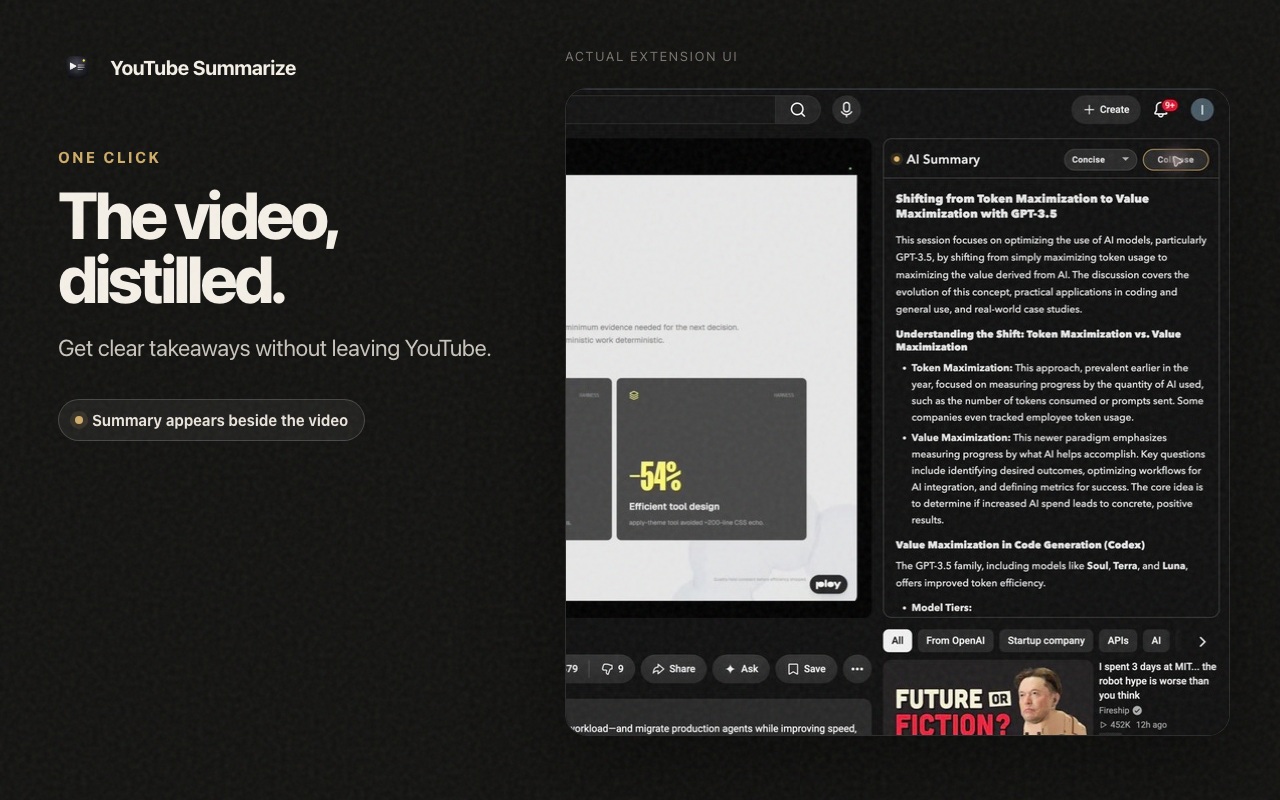
Lives inside YouTube
YouTube Summarize showing an AI summary beside a YouTube video
No accountNo API keyConcise or detailedRight beside the video

Less watching. More knowing.

Long video.
Short process.

  1. 01

    Open any YouTube video

    The summary panel appears beside the player automatically.

  2. 02

    Choose your depth

    Pick Concise for the gist or Detailed for fuller context.

  3. 03

    Click Summarize

    Read the key ideas without leaving the page or creating an account.
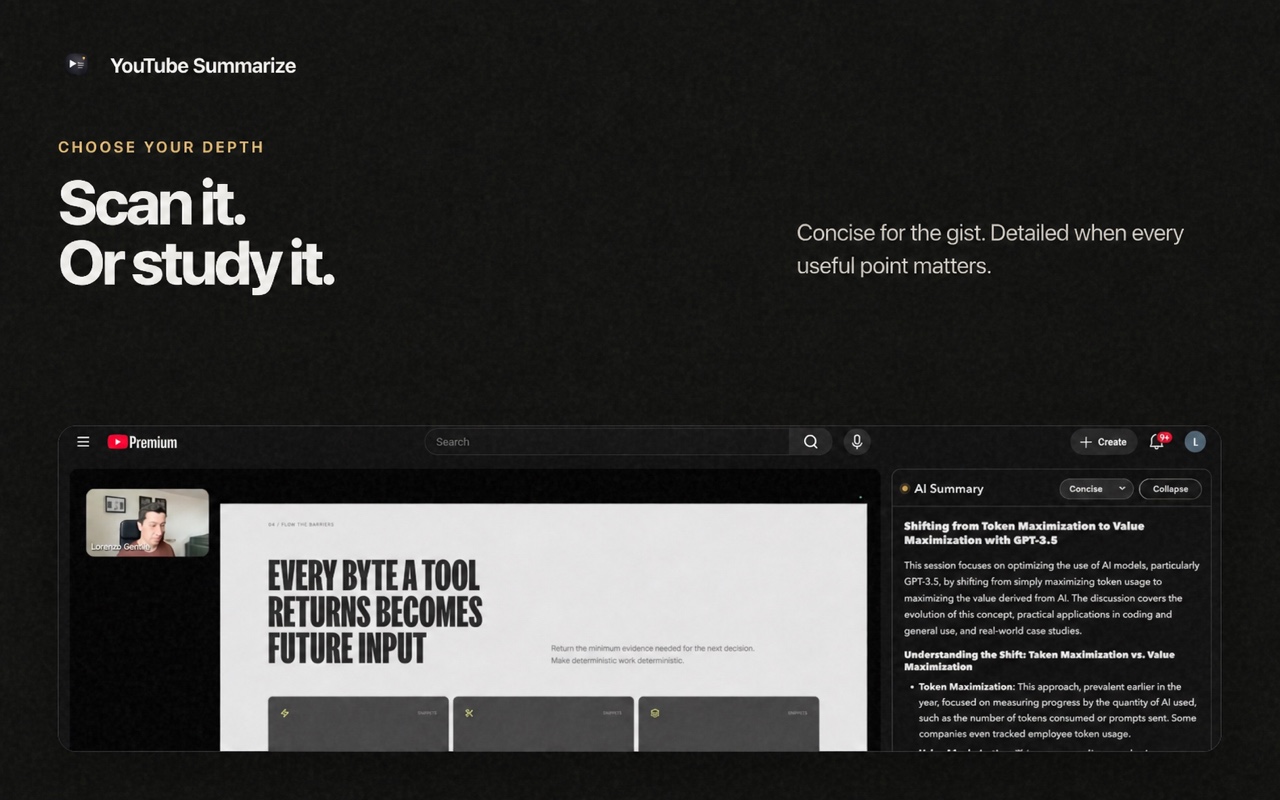
Concise and Detailed summary depth controls in YouTube Summarize

Your call

Scan it.
Or study it.

Concise is built for quick decisions. Detailed keeps the useful context when the video deserves a closer read.

  • Works in light and dark YouTube themes
  • Adapts to standard, theater, and compact layouts
  • Failed summaries never use a free credit

Start free. Stay if it saves time.

Simple enough
to explain in one line.

Three successful summaries every rolling seven days, free.

Free

$0

  • 3 summaries every week
  • No account or API key
  • Concise and Detailed
Install free ↗

Pro

7 days free

$2.99monthly

$19.99lifetime

  • Unlimited summaries
  • Same simple in-page experience
  • Secure checkout via ExtensionPay and Stripe

Questions, answered

Before you
press play.

How do I summarize a YouTube video?
Install YouTube Summarize, open a YouTube video, choose Concise or Detailed, and click Summarize. The key ideas appear beside the video without opening another tab.
Is the YouTube summarizer free?
Yes. You get three successful AI summaries every rolling seven days. Failed requests do not use a free summary.
Do I need an account or API key?
No. You can install the Chrome extension and summarize videos without creating an account or supplying an AI API key.
Can I control how detailed the summary is?
Yes. Choose Concise for a quick overview or Detailed when you want more context from the video.

The point is waiting.

Watch smarter.

Add YouTube Summarize